Update
Age eligibility for sales and bookings
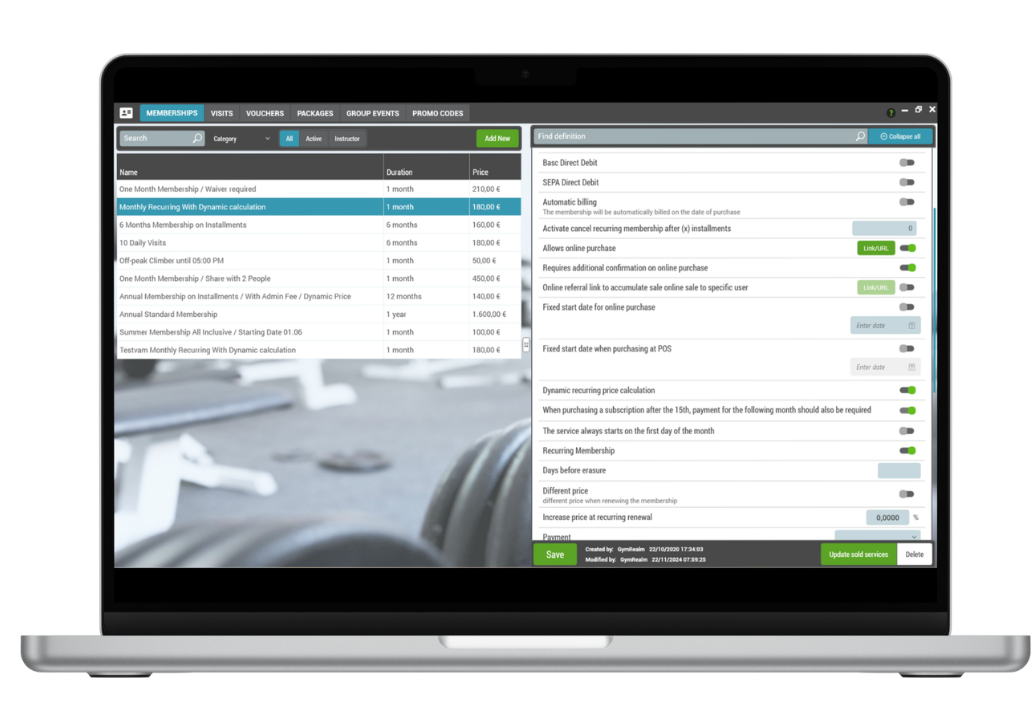
Managers can assign permitted age ranges separately to memberships, individual visits and classes or group events. When a customer selects a participant profile, GymRealm checks that person's age against the configured rule and prevents an ineligible purchase or booking. Examples include children's programs, youth memberships, student offers and adult-only sessions.
These rules apply across the mobile app, customer portal, public schedule and POS. This is useful when a parent manages a child's booking but accidentally selects the adult profile. Activities without an age rule can remain available to all ages.
Want to see it in action?
Book a demo and we'll show you how this works in GymRealm Manager for your facility.
Book a demo