Update
Active and returning customer analysis
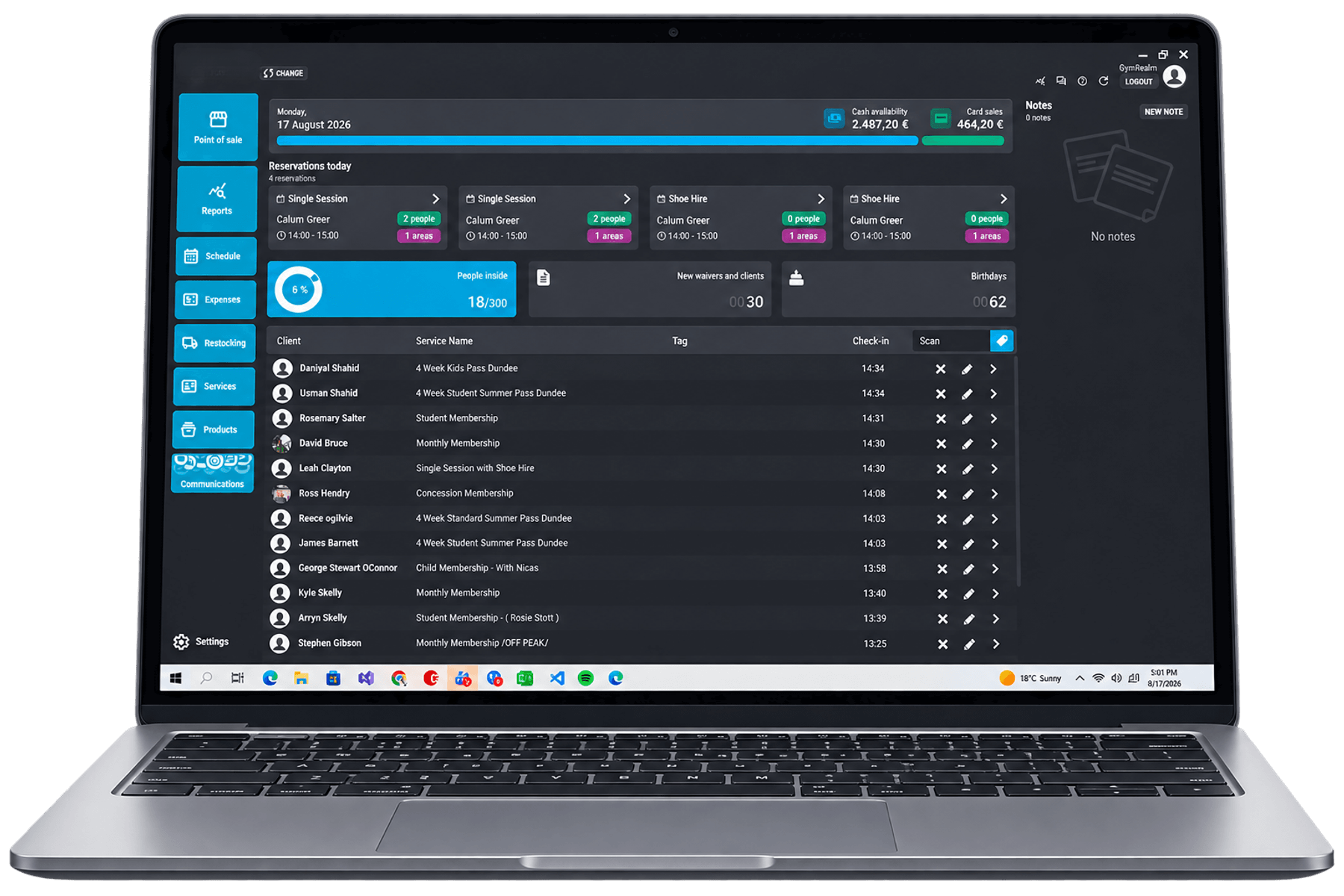
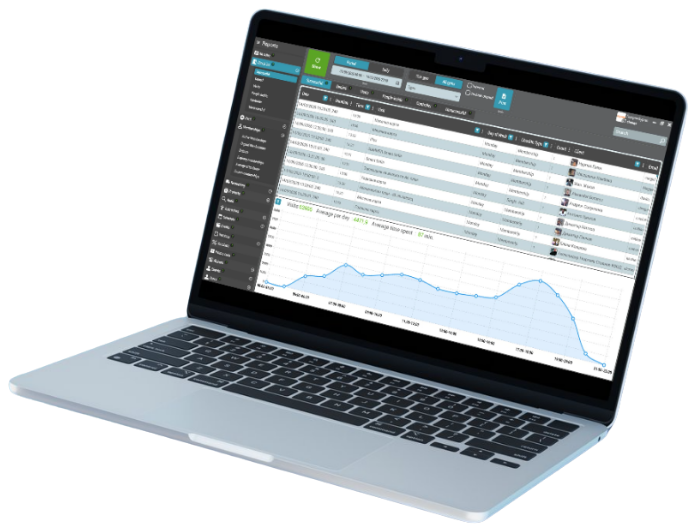
The Clients Report adds an Active Customers tab for members active during a selected period. A configurable number of gap days can bridge a short lapse between memberships. A Reactivated tab uses a chosen gap threshold to identify members returning after a longer break.
The New Clients tab now emphasizes people who bought a membership or single visit rather than every newly created profile. Staff can send email or push communications from report tabs to address the selected group, such as onboarding new purchasers or welcoming back returning members.
Want to see it in action?
Book a demo and we'll show you how this works in GymRealm Manager for your facility.
Book a demo