
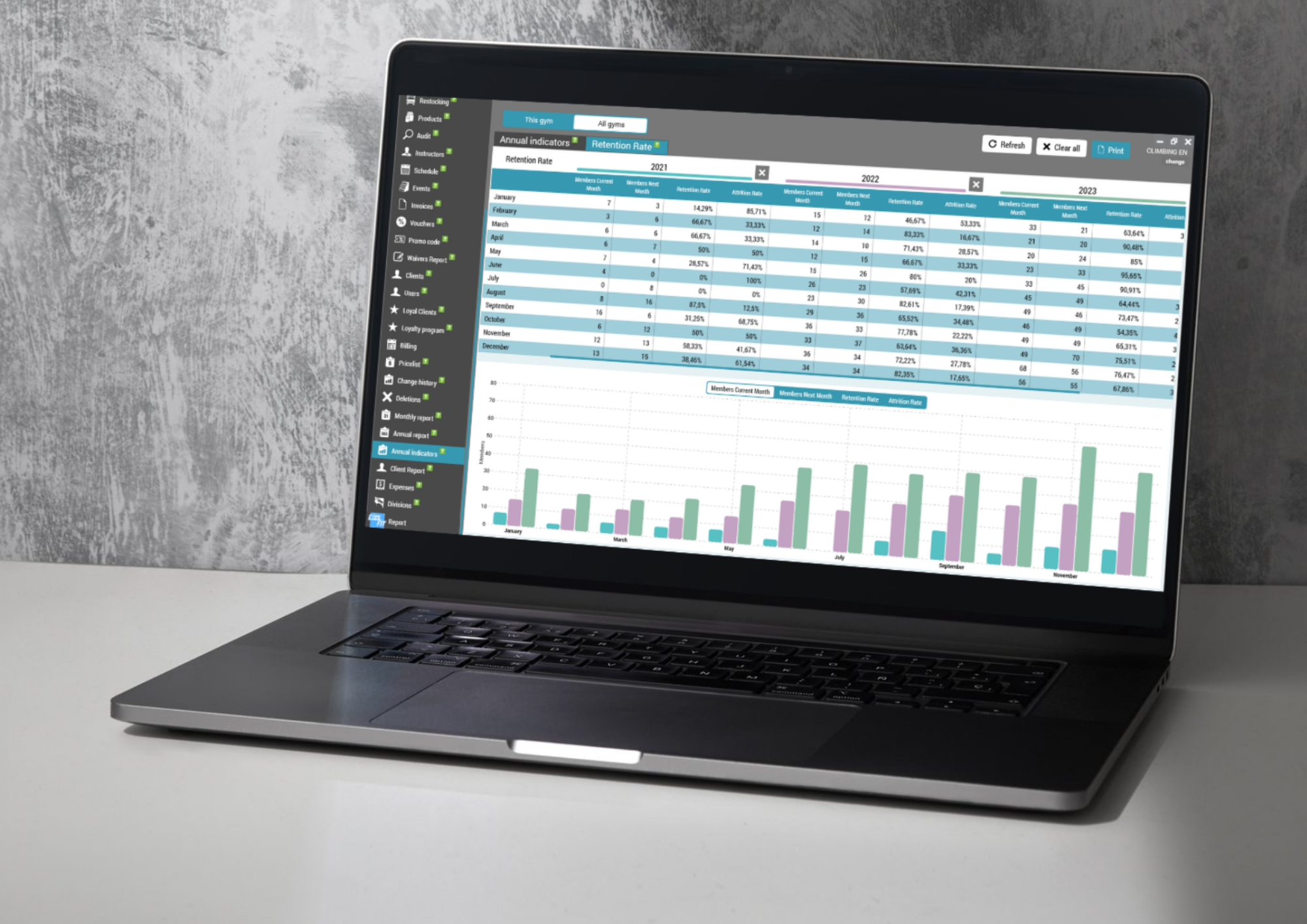
We have extended the Clients Report in GymRealm Manager to give gyms a clearer view of customer activity, retention, and reactivation.
The updated report now includes new tabs and improved customer tracking, helping managers better understand which clients are active, which clients have returned, and which new clients have made an actual purchase.
New tab: Active Customers
A new Active Customers tab has been added to the Clients Report.
This tab shows all clients who had an active membership during the selected period. This gives managers a more accurate way to review the real active customer base for any chosen date range.
You can also define specific gap days between memberships.
Gap days determine how many days a customer can have between two memberships and still be counted as active for the selected period. For example, if a customer’s membership expired and they renewed shortly after, they can still be included as an active customer, depending on the gap days setting.
This makes the report more flexible and better suited to different membership policies.
New tab: Reactivated Customers
The Clients Report now also includes a Reactivated tab.
This tab shows customers who used to be active members, had a longer break, and then reactivated their membership.
You can define the number of gap days used to determine reactivation. If the break between memberships is longer than the selected gap, the customer will be counted as reactivated.
This helps gyms identify returning customers and measure how successful they are at bringing former members back.
Improved New Clients tab
The New Clients tab has also been improved.
Previously, this section focused on newly created customer profiles. Now, the report shows how many new customers actually purchased a membership or a single visit.
This provides a more meaningful view of customer acquisition because it focuses on clients who generated revenue, not only those who created a profile.
Send emails and push notifications from every tab
Another important improvement is communication.
You can now send emails and push notifications directly from all tabs in the Clients Report.
This makes it easier to reach specific customer groups, such as:
Active customers with membership updates or announcements
Reactivated customers with welcome-back messages
New clients with onboarding information or promotions
Clients from other report tabs with targeted communication
Better customer tracking and retention analysis
With these updates, the Clients Report is now more powerful and more practical for everyday gym management.
Managers can quickly see who was active during a selected period, which customers returned after a longer break, and which new clients actually made a purchase.
These improvements help gyms better measure customer retention, track reactivation, and communicate with the right clients at the right time.