
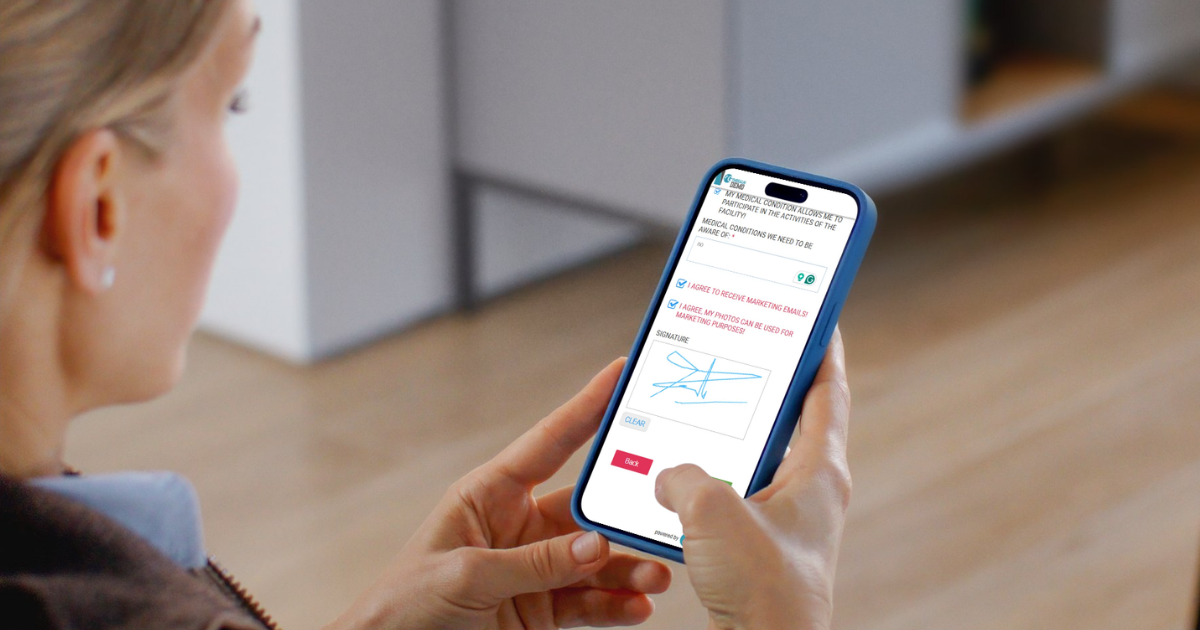
Italian gyms and climbing facilities need a reliable Codice Fiscale on the customer profile — not a free-text field that anyone can mistype. GymRealm now validates Codice Fiscale when an Italian customer signs a digital waiver.
The code is stored on the customer as the ID / PIN field. In the Italian interface that field is labeled Codice Fiscale.
How it works
Turn on the ID field in your waiver settings. You can also make it required.
When the person signing selects Italy as their country, GymRealm treats the ID field as a Codice Fiscale and checks it before the waiver is saved.
What is checked
– The code must be 16 letters and digits (spaces are ignored, letters are stored in uppercase)
– The official check character must be correct — random or mistyped codes are rejected
– First name and last name must match the name encoded in the Codice Fiscale
– Date of birth must match
– Gender must match
– If place of birth includes a Belfiore code (for example H501 or H501 – Roma), that code must match the Codice Fiscale
If something does not match, the customer sees a clear error (wrong format, check character, name, date of birth, gender, or place of birth) and can correct it before the waiver is submitted.
Who it applies to
Validation runs only when:
– The waiver has the ID field enabled
– The customer country is Italy (Italy, Italia, IT, or ITA)
Customers from other countries are not forced through Italian Codice Fiscale rules. If the ID field is enabled but not required, an Italian customer may leave it empty. If you mark the ID field as required, they must enter a valid Codice Fiscale.
Duplicates
The same Codice Fiscale cannot be used on two different customers. If it already belongs to another profile, the waiver is blocked.
The same person can sign again. If the email matches the existing customer who already has that Codice Fiscale, the waiver is allowed.
On the customer profile
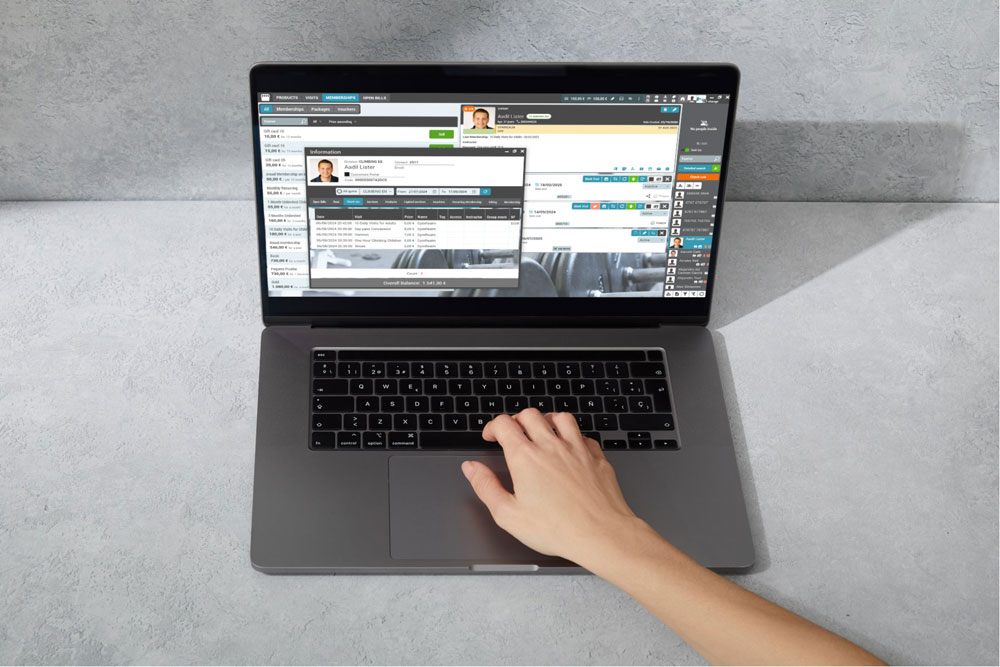
After a successful sign, the validated code is saved on the customer. Reception sees it in GymRealm Manager (Codice Fiscale in the Italian language). It also appears in client reports and exports, so you can look people up by tax code, not only by name or email.
To make validation useful, the waiver should also collect first name, last name, date of birth, and gender. Place of birth is optional, but if you ask for it with a Belfiore code, it is checked as well.
Why this helps
– Fewer invalid or swapped tax codes on Italian member records
– Waivers cannot be completed with a Codice Fiscale that does not belong to the person signing
– You do not get two profiles sharing the same tax code
– Reception can find the right customer when they ask for Codice Fiscale at the desk
– The check follows the official encoding rules for name, date of birth, gender, and municipality code
How to turn it on
1. Open your digital waiver settings.
2. Enable the ID field. Mark it required if every Italian signer must provide a Codice Fiscale.
3. Make sure the waiver asks for country, first name, last name, date of birth, and gender.
4. Optionally collect place of birth with the Belfiore code if you want that extra check.
5. Publish the waiver on your website, kiosk, or tablet as usual.
Italian customers will then enter their Codice Fiscale when they sign. If the code does not match their details, they cannot finish until it is corrected.
If you need help enabling the ID field on waivers for your Italian locations, our support team can walk you through it.