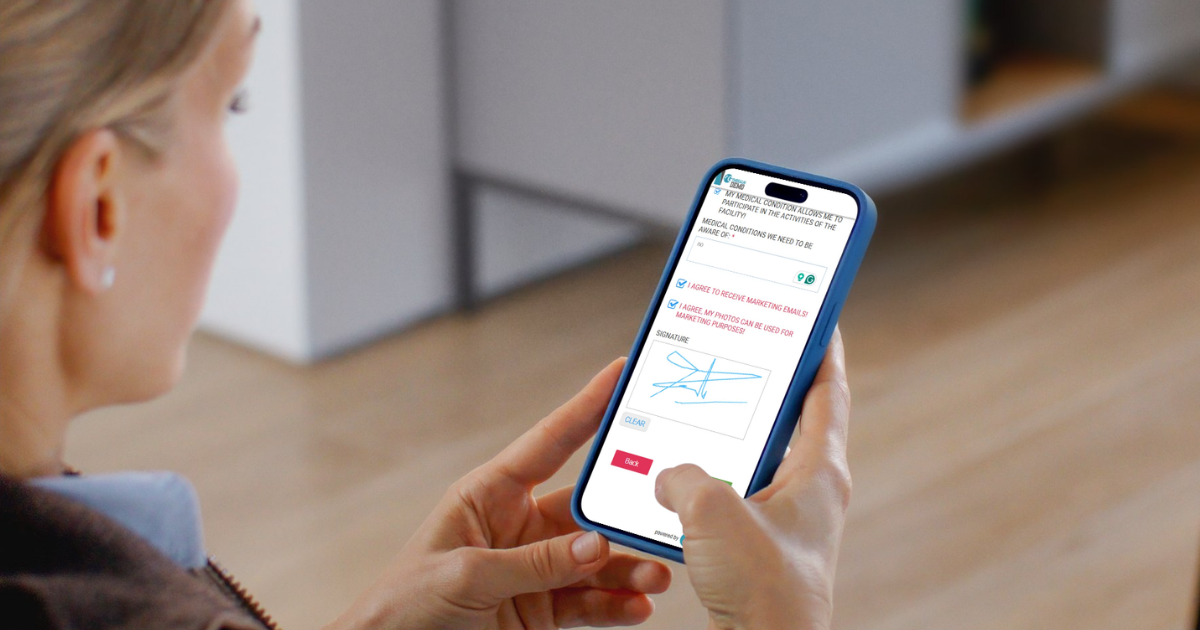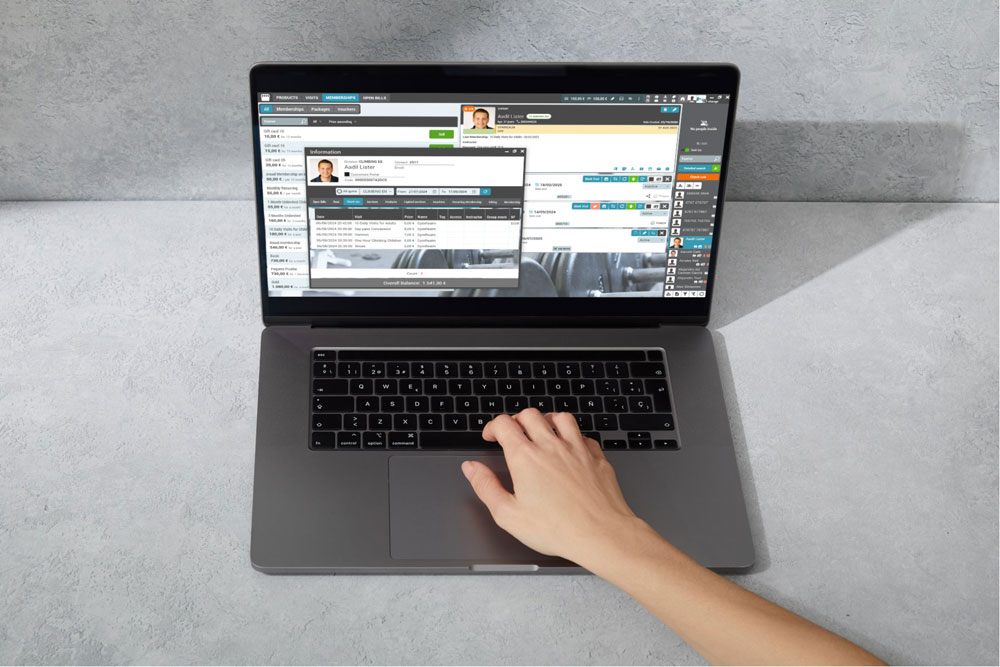


Emails still matter, but a lot of members see a notification on their lock screen first. GymRealm can now send transactional push notifications through the GymRealm mobile app whenever something important happens for a member.
These are not marketing blasts. They are the same operational messages you already send by email — booking confirmations, membership reminders, failed payments, freeze request decisions — delivered instantly to the member’s phone.
If you already send one-off push messages from the dashboard, this is different: transactional pushes go out on their own, as soon as the event happens. You write the text once on the template. GymRealm does the rest.
How it works
You already have transactional email templates in GymRealm (membership expiry, class booking, payment failed, and so on). Each of those templates can now also send a push:
1. Turn on Mobile application on the template.
2. Write a short notification text (this is the message on the phone).
3. Keep using the same subject you use for email — that becomes the notification title.
The text is personalized with the same tags you already use in emails, for example @CLIENTNAME@, @GYMNAME@, @MEMBERSHIPNAME@, @CLASSNAME@, and @APPOINTMENTDATE@.
A push is sent only when all of this is true:
– The template has mobile notifications enabled and a notification text filled in.
– Your facility uses the GymRealm mobile app.
– The member has the app installed and is logged in.
The email still goes out as usual. Push is an extra channel, not a replacement. Members without the app are not affected.
For class bookings and waiting-list updates, the notification can open the relevant class in the app, so members can act on it right away.
What members can be notified about
Memberships and billing
– Membership is about to expire
– Visits left on a punch-card membership
– Membership unpaid
– Membership purchased or renewed
– Recurring payment failed
– Saved payment method is about to expire
– Welcome / after registration
– “We miss you” when they have not visited for a while
Classes and bookings
– Class or appointment booked
– Appointment reminder
– Added to the waiting list
– A spot opened on the waiting list
– Class or group event cancelled
– Member cancelled / left a class
– No-show follow-up
– Booking restricted (ban from booking)
Requests and documents
– Freeze request approved or declined
– Medical document expired
– Birthday (including upcoming birthday and children’s birthday to a parent)
You choose which of these go to the phone. Enable push only on the templates that members need to see immediately — for example failed payments, class cancellations, and freeze decisions — and leave the rest as email-only if you prefer.
How to turn it on
Open the transactional email template you want to use (the same place you already edit subject, body, and SMS).
– Enable Mobile application.
– Write a short notification text. Keep it to one or two sentences — it has to be readable on a lock screen.
– Use the same personalization tags as in the email.
– Save the template.
From that moment, members with the app receive a push whenever that event fires.
Example — freeze request approved
– Title: Hi @CLIENTNAME@, your freeze was approved
– Text: Your freeze request for @SERVICENAME@ at @GYMNAME@ has been approved.
Example — class cancelled
– Title: @CLASSNAME@ has been cancelled
– Text: Hi @CLIENTNAME@, @CLASSNAME@ on @APPOINTMENTDATE@ at @GYMNAME@ has been cancelled.
Transactional push vs. messages you send yourself
GymRealm still lets staff send a push by hand from the dashboard, client reports, or a class list — useful for a last-minute studio change or a promotion.
Transactional push is the automatic layer on top of that. You set it once per template, and every matching member gets the right message at the right time, without reception having to remember to send it.
Why this helps
– Members see failed payments, cancelled classes, and freeze decisions immediately — not hours later in an inbox.
– Reception spends less time chasing people by phone or chat.
– The GymRealm app becomes the place members already look for access, bookings, and now operational updates.
– You keep one source of truth: the same template drives email, SMS (if you use it), and push.
If your facility already uses the GymRealm mobile app, this is ready to switch on. Start with the templates members care about most — payment failed, class cancelled, freeze approved/denied, and class booked — and expand from there.
If you need help choosing which templates to enable, our support team can walk you through it.